Now Playing
Your music lives up here.
Artwork, a live equalizer and controls for Music, Spotify, VLC, IINA, Podcasts, YouTube and more. Hover the notch while music plays and a compact player opens.
Halo
A Dynamic Island for the notch. Launchpad, reimagined. Two native apps that feel like they shipped with macOS.

Hover the notchTap the notch
Halo Island
Halo turns the blank space at the top of your MacBook into a living, glanceable surface. Music, system controls and the moments that matter grow out of it — then step aside.
Now Playing
Artwork, a live equalizer and controls for Music, Spotify, VLC, IINA, Podcasts, YouTube and more. Hover the notch while music plays and a compact player opens.
System HUD
Volume, brightness and keyboard light bloom out of the notch instead of covering your work. The glyph even follows your AirPods.
Live Activities
Charging with real wattage and time to full. AirPods with every battery level. A heads-up five minutes before your next meeting.
Privacy indicators
A green dot when any app uses the camera, orange for the microphone — exactly like iPhone, and it even knows which app.
And more
Downloads with live progress, a padlock that springs open when you unlock, and your whole dashboard a single hover away.
Everything you copy — text, links, images and files — one hover away. Stored only on your Mac.
Drag files onto the notch to park them, then drag them out anywhere. AirDrop included.
Styled after the Clock app, with the live time riding in the notch while it runs.
Check yourself before a call, then light your face with a soft, warm glow.
Two fingers across the notch: left for the next track, right for the previous one.
An outline of light in the Halo spectrum or your colour, on one display or all of them.
Made for how you work
Halo fits in wherever you are — deep in a project, between meetings or just listening to music.
Designers
Volume and brightness no longer cover your artboard, and files you drag to the shelf wait at the top of the screen until you need them.
Developers
Pinch for Halo Launch and type two letters to open any app. Watch downloads and builds finish without leaving your editor.
Remote teams
A heads-up five minutes before the call, a Join button right in the notch, and a green or orange dot whenever you're on camera or mic.
Students
Control Spotify or YouTube from the notch, time study sessions with the timer, and see Focus turn on without opening Control Center.

Halo Launch
Launchpad left macOS 26. Halo Launch brings it back — faster, smarter and exactly as you remember it, with folders, pages and a frosted desktop.
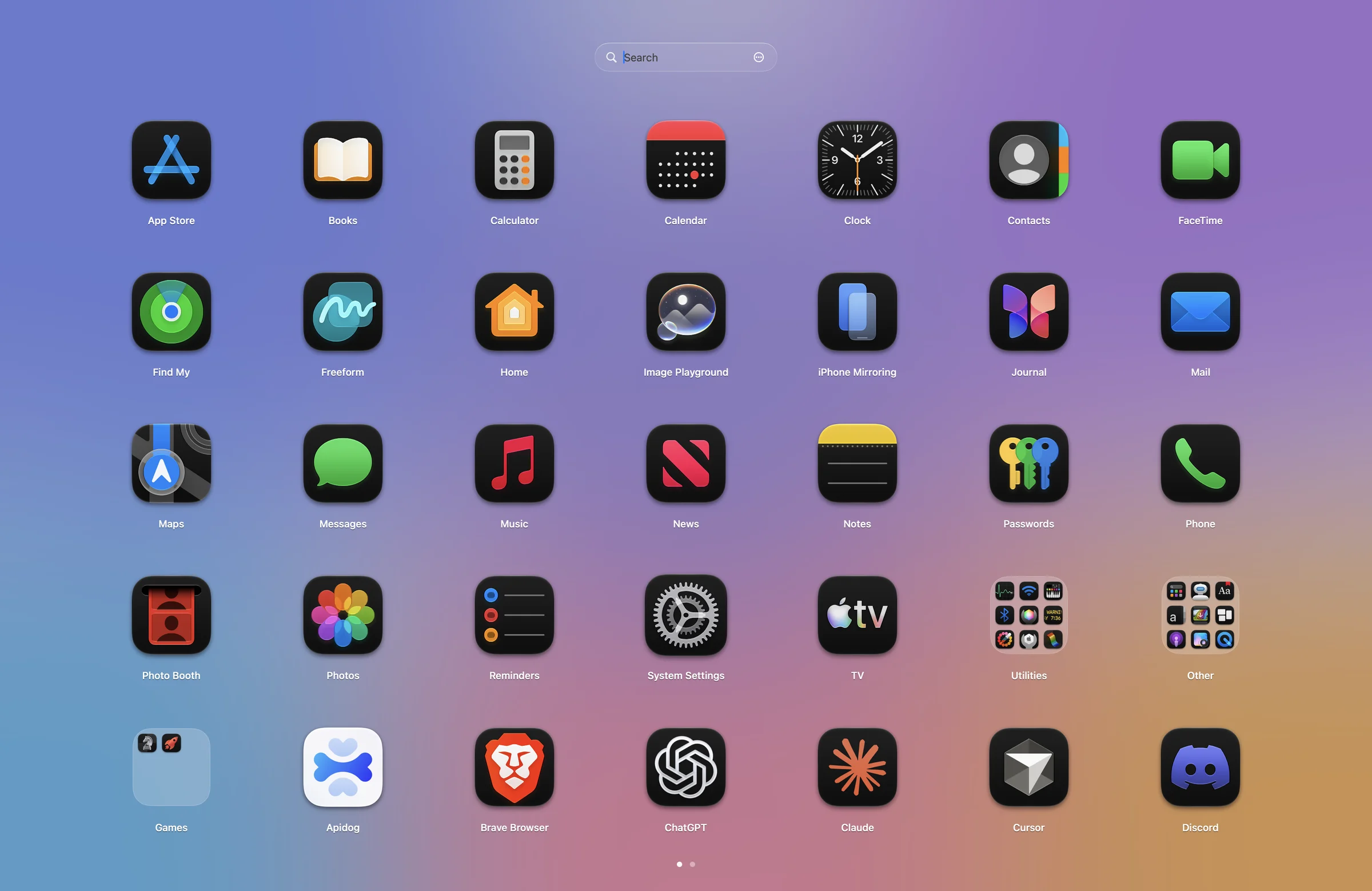
Press and hold to make the icons jiggle. Drop an app onto another and a folder forms.
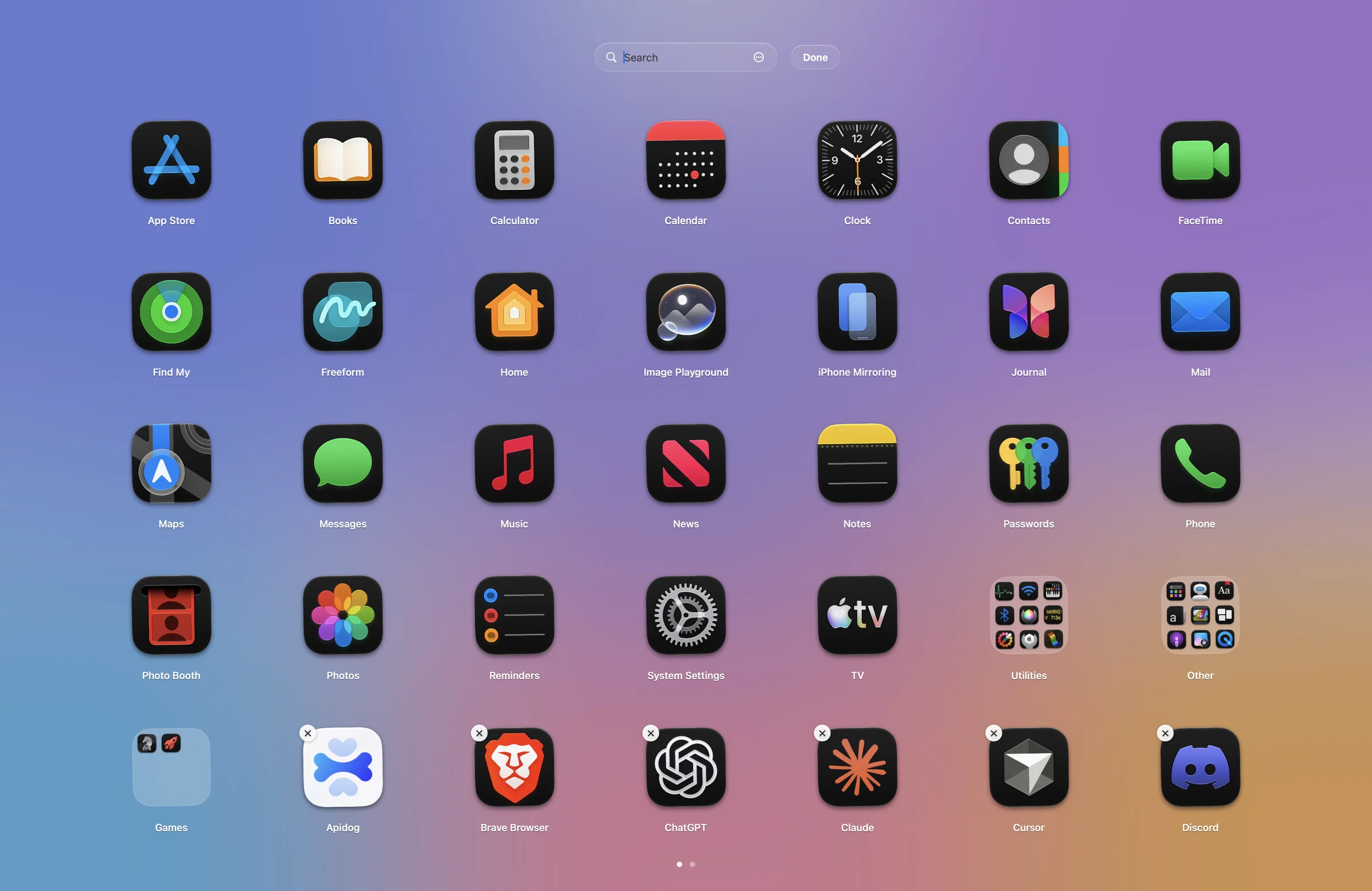
Pinch with four fingers, press F4 or the Spotlight key, push into a hot corner, or pick a shortcut.
Just type. Prefix matches come first, accents are ignored, the arrow keys do the rest.
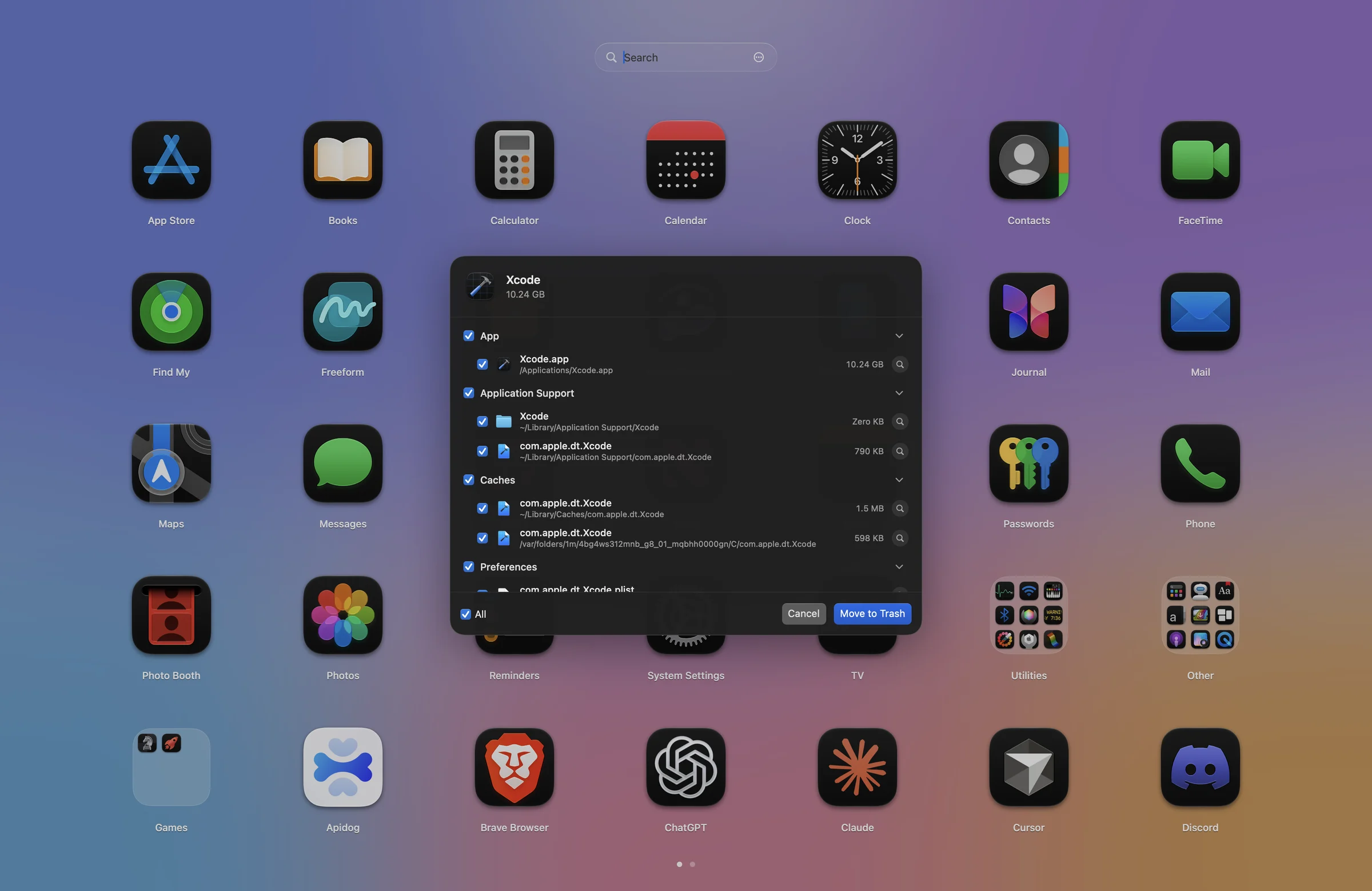
Remove an app with everything it left behind — caches, preferences, containers and helpers.
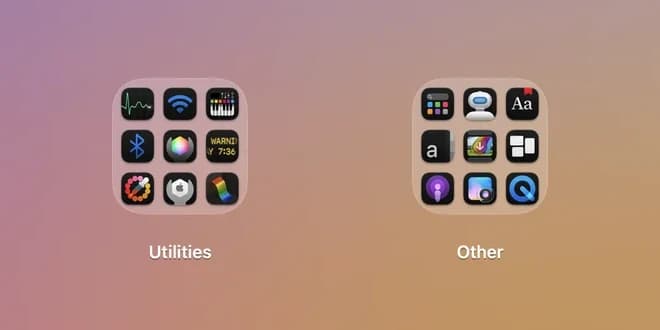
Utilities, Other and Games folders out of the box, or import your old Launchpad layout.
No Dock icon, no clutter. It opens in a blink and gets out of the way with Esc.
Compare
Here is what changes when Halo is running.
macOS alone
With Halo
Apps
macOS alone
With Halo
| Feature | macOS alone | With Halo |
|---|---|---|
| Volume and brightness HUDmacOS alone: Panel over your work | In the notch | |
| Now Playing with artworkmacOS alone: In Control Center | One hover away | |
| Charging and AirPods batterymacOS alone: In menus | Live Activity | |
| Next meeting heads-upmacOS alone: Notification | In the notch, with Join | |
| Launchpad-style app gridmacOS alone: Removed in macOS 26 | Pinch or F4 | |
| Uninstall with leftoversmacOS alone: Manual | One click |
Privacy
No accounts. No analytics. No servers. Halo reads what it needs locally, asks for each permission with a reason, and uses it for exactly one feature.
Your clipboard, calendar and music never touch a server.
A clear reason for each one, and every one is optional.
Items your password manager marks as concealed are never recorded.
Built in Swift with AppKit and SwiftUI. Push-based where macOS allows, so it rests when you do.
Coming soon. Both apps run on macOS 14 or later.
A Dynamic Island for the MacBook notch.
Coming soonmacOS 14 or later
Launchpad, reimagined. Built for macOS 26, runs on macOS 14 or later.
Coming soonmacOS 14 or later
Halo Pro unlocks every feature in both apps. Try it free for 14 days. See pricing
Yes. Halo draws a virtual notch at the top of the screen, and can show it on external displays too.
No. Halo is written in Swift and waits for macOS to report changes wherever it can, using about half a percent of CPU while music plays.
To take over the volume, brightness and keyboard light keys so their HUD appears in the notch. Halo never reads what you type.
Music, Spotify, VLC, IINA and Podcasts, plus web players like YouTube, YouTube Music, SoundCloud and Spotify Web in Safari, Chrome, Arc, Brave and Edge.
No. There are no accounts or analytics. Clipboard, calendar and music data stay on your Mac.
